Technical Support for ASEBA® Software Products
How do I export my ASEBA-PC database (prior to 2026 version)?
< 1 min read
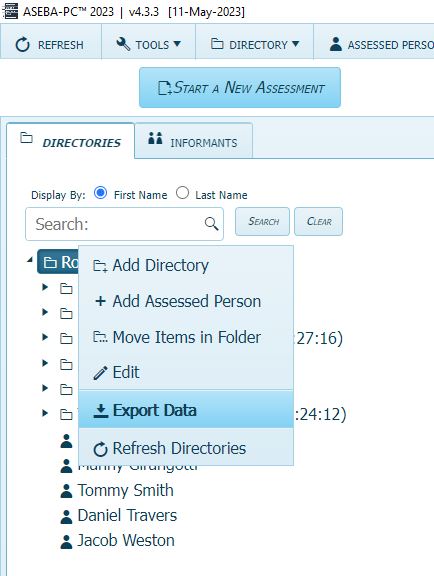
Once logged into ASEBA-PC, please right-click on the Root folder in the upper left-hand part of the screen and select Export Data.
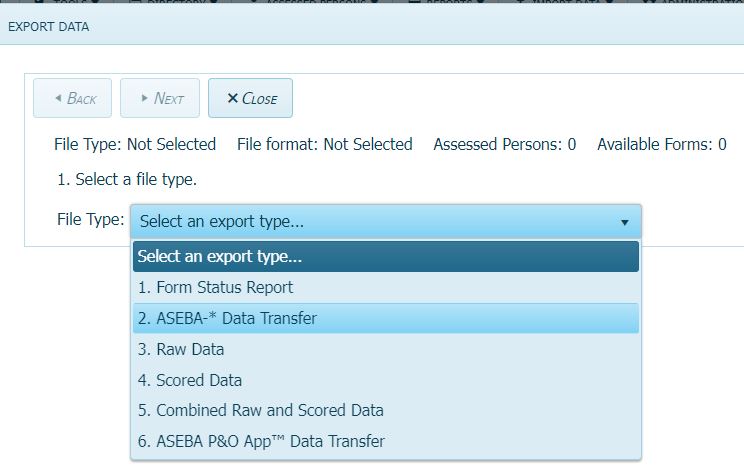
Select ASEBA-*Data Transfer from the drop-down list. Click Next.
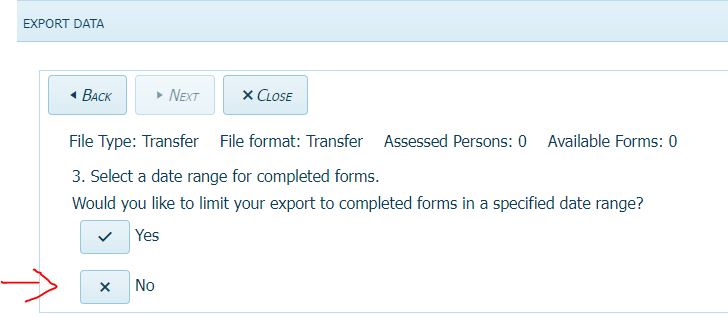
Select No for a specified date range.
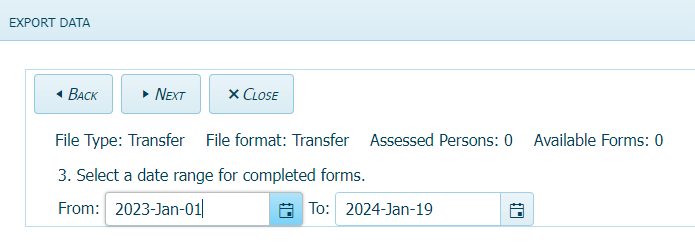
If Yes is selected, choose the date range and click Next.
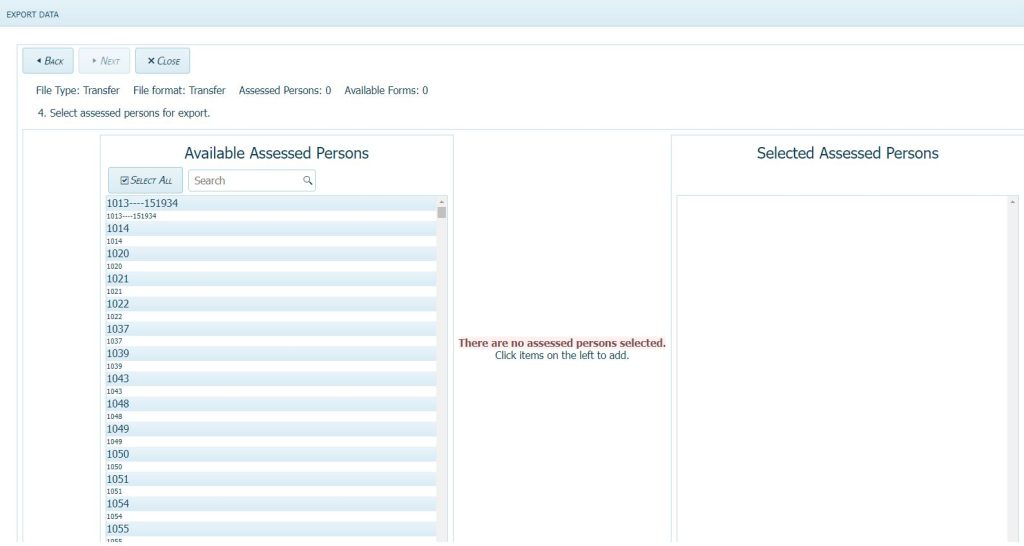
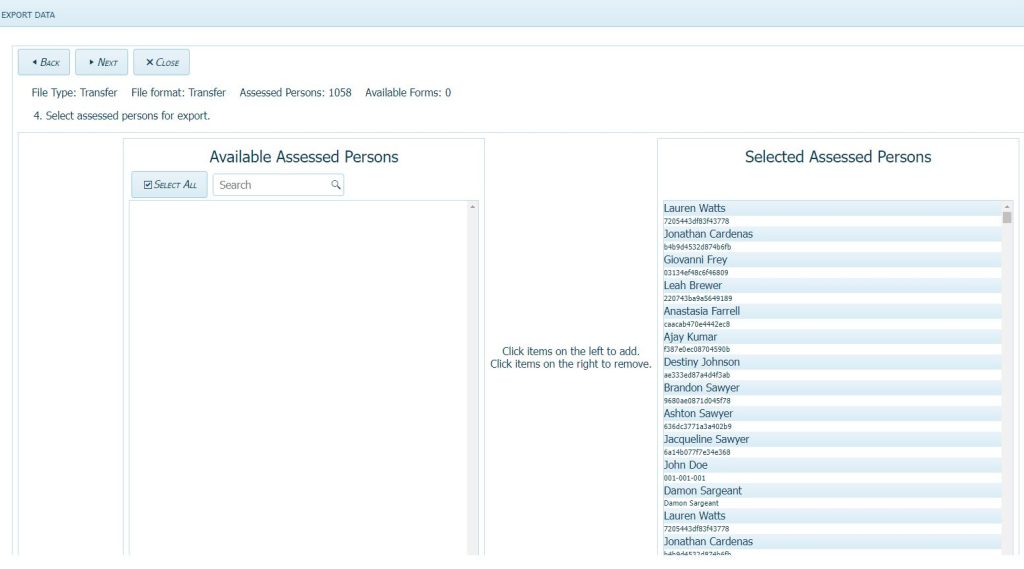
Click on Select All to move all Available Assessed Persons to the Selected Assessed Persons column. Click Next.

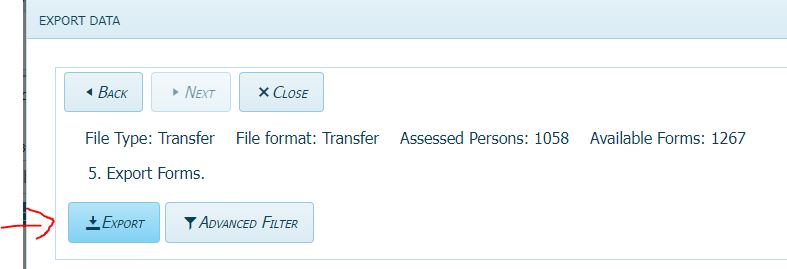
Click Export. The ASEBA_Data_Transfer.zip file will download.