Technical Support for ASEBA® Software Products
New in v4.6.0.0: ASEBA-Informant™ Authentication By Email
ASEBA-Informant™ has for a long time allowed informants to authenticate and sign in using their email address rather than a username/password combination, but only when clicking on URL link in the notification email that is sent to them.
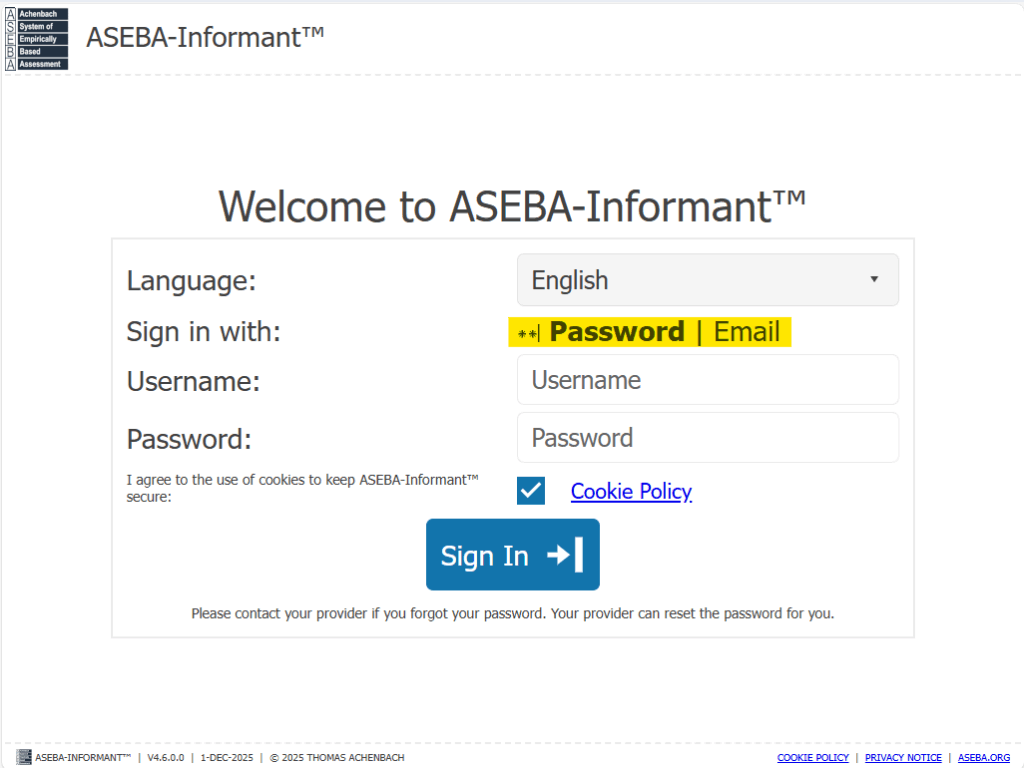
With this version, ASEBA-Informant™ now gives informants the option in the sign-in screen to choose either password or email as their authentication option. Clicking on the highlighted toggle will switch the user between password and email authentication methods:
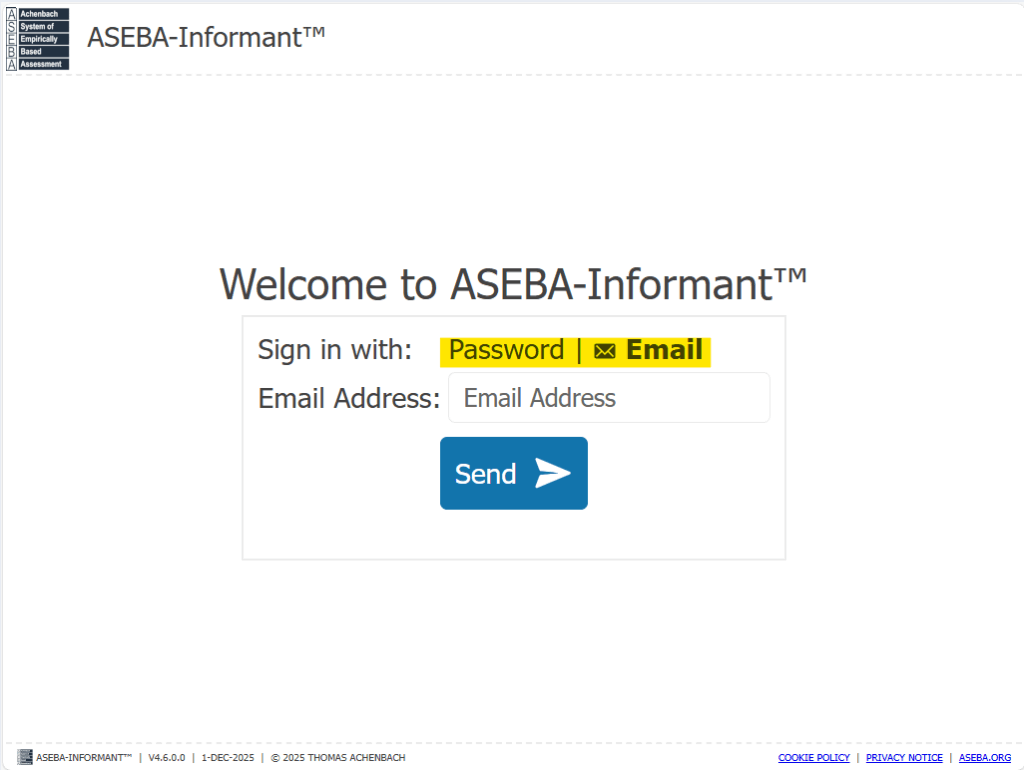
For this option to be meaningful, the informant’s record will need to be associated with an email address in ASEBA-Web™.