Technical Support for ASEBA® Software Products
How do I key-enter a form?
**Please note, this will be the same for ASEBA-PC, ASEBA-Network, and ASEBA-Web.**
To be able to view the Key Entry tab, the assessed person and the form need to be created first.
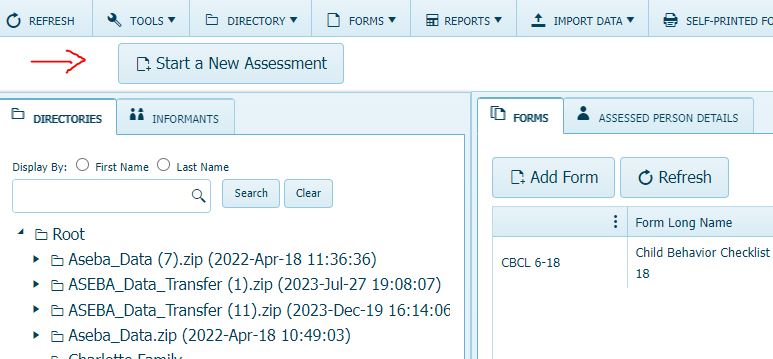
If the assessed person and form have not been created yet, please click on the Start a New Assessment tab in upper left-hand corner of the program.
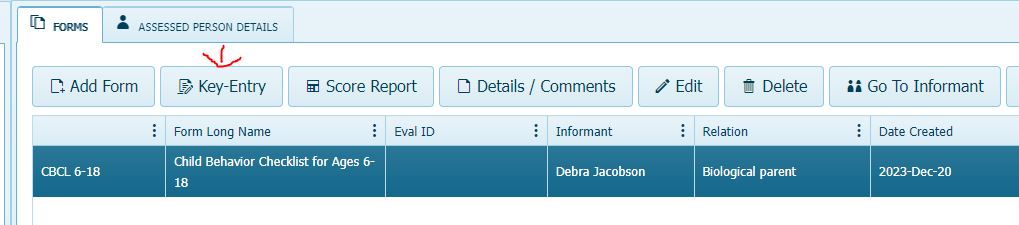
Once the assessed person and form have been created, please click on the form to highlight it. The Key Entry button will then be visable.