Technical Support for ASEBA® Software Products
Where to Find an Informant’s Username in ASEBA
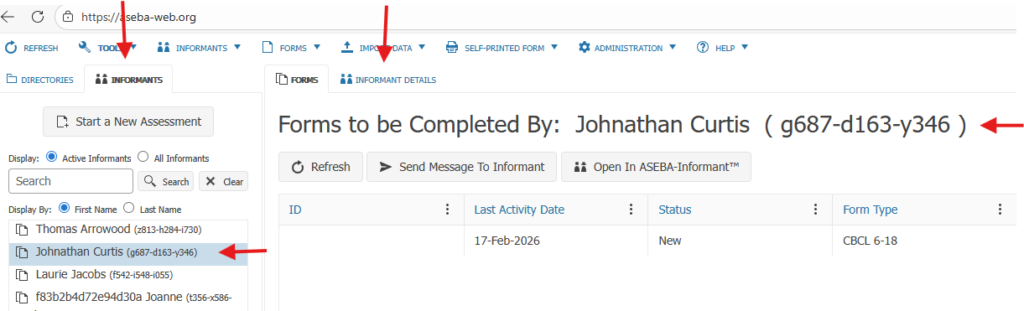
Once logged into ASEBA-Web, please click on INFORMANTS tab, next to the DIRECTORIES tab.
Click on the informants name to highlight it in the left column, the informant username will be shown next to the informants name in parentheses and in the right window.
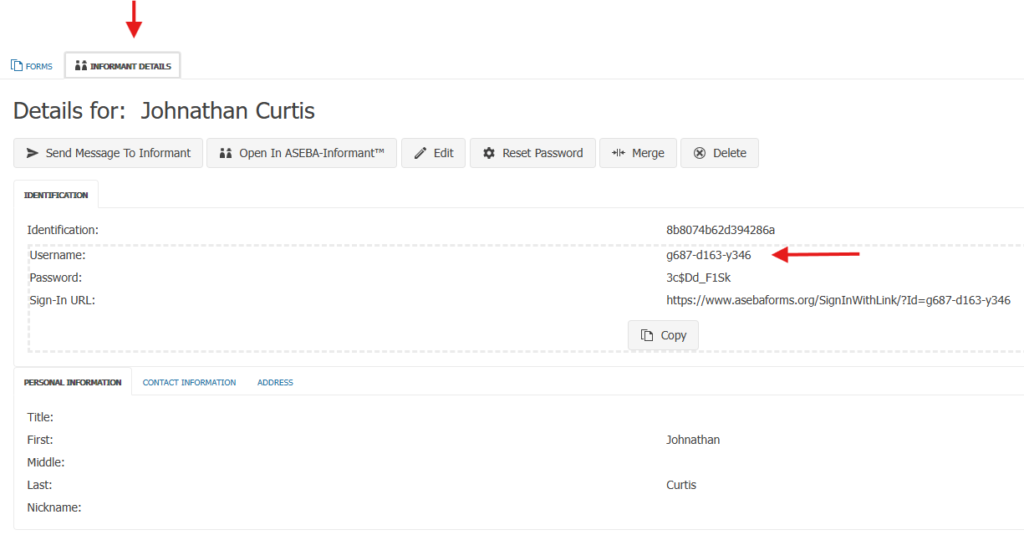
Additionally, the INFORMANT DETAILS tab can be clicked and the informant username is listed in this window as well.