Technical Support for ASEBA® Software Products
I forgot my ASEBA-PC 2026 password; how do I reset it?
< 1 min read
With the newest 2026 ASEBA-PC installer, there is a new procedure to reset your password.
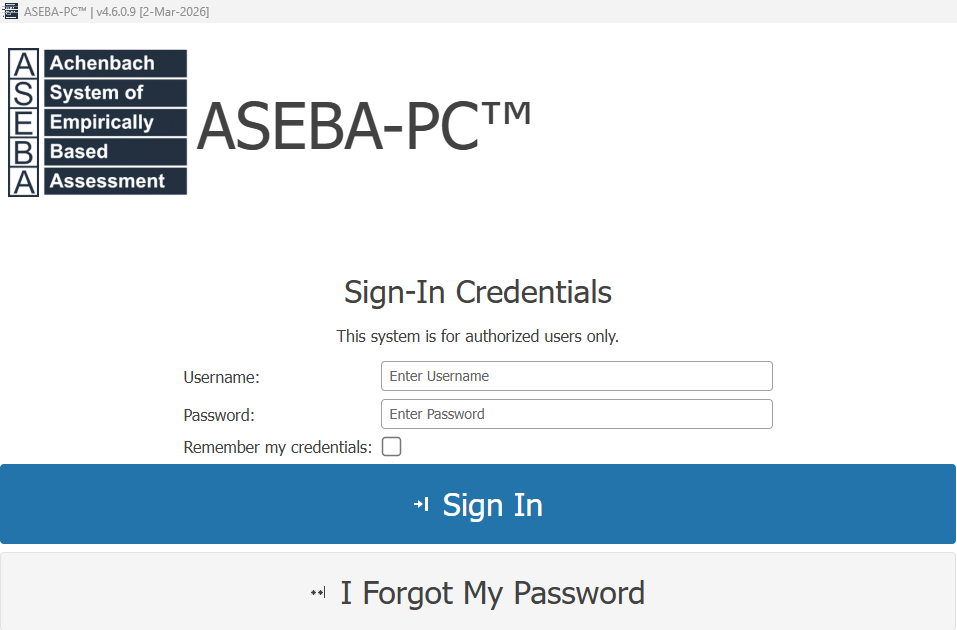
To reset your ASEBA-PC password, please click the “I forgot my password” link under the Sign In tab on the login screen.
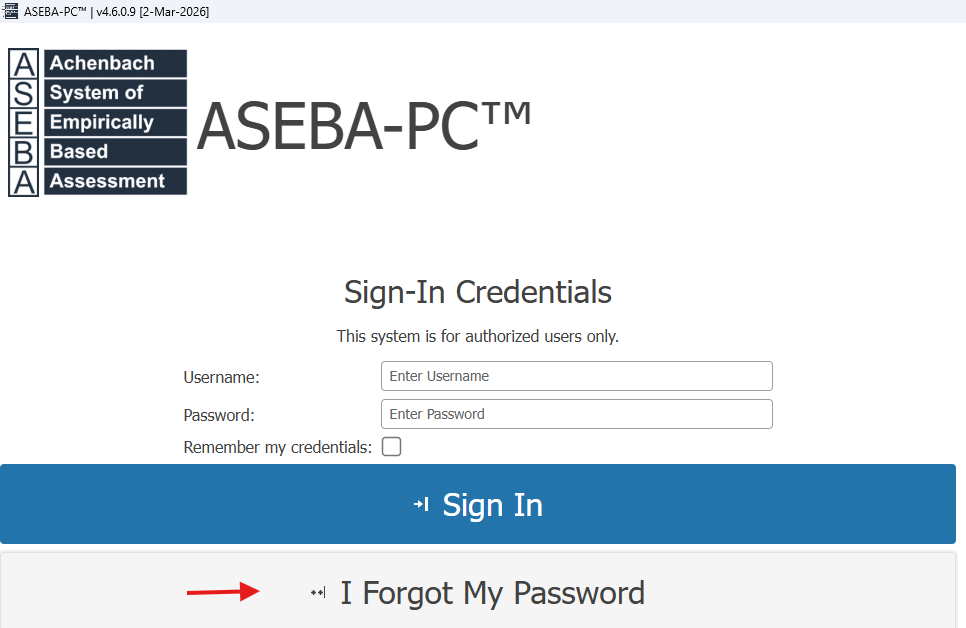
 If the link is missing (very old ASEBA-PC programs do not have the link), please send an email to techsupp@aseba.org and a new ASEBA-PC installer will be emailed. Once the new installer is installed, the “I forgot my password” link will be visible.
ENTER PASSWORD RESET CODE window will open.
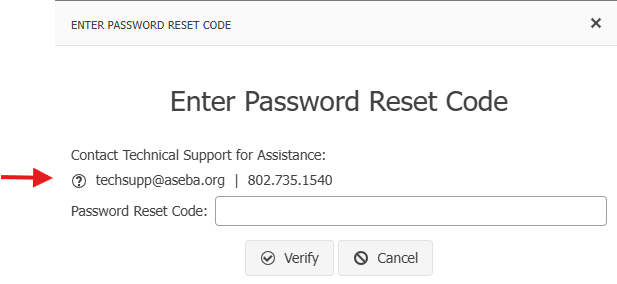
Please email or call ASEBA Technical Support for a Password Reset Code: techsupp@aseba-org or 802-735-1540. Once you receive the Password Reset Code, please enter the code and click Verify.
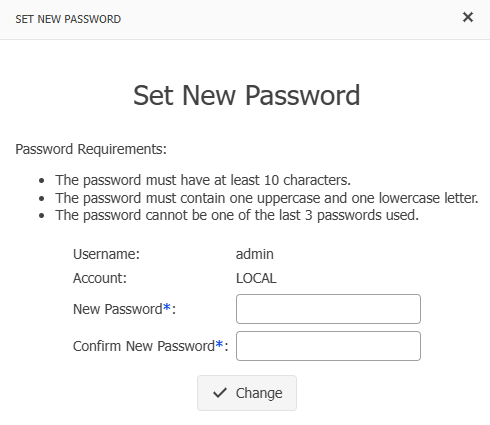
Please choose a new password. The password must be 10 characters long with one uppercase and one lowercase letter. The last 3 passwords cannot be used. Click Change.
Please log in with your new credentials: