Technical Support for ASEBA® Software Products
How do I view assessment comments or open-ended responses?
< 1 min read
**Please note, this will be the same for ASEBA-PC, ASEBA-Network, and ASEBA-Web.
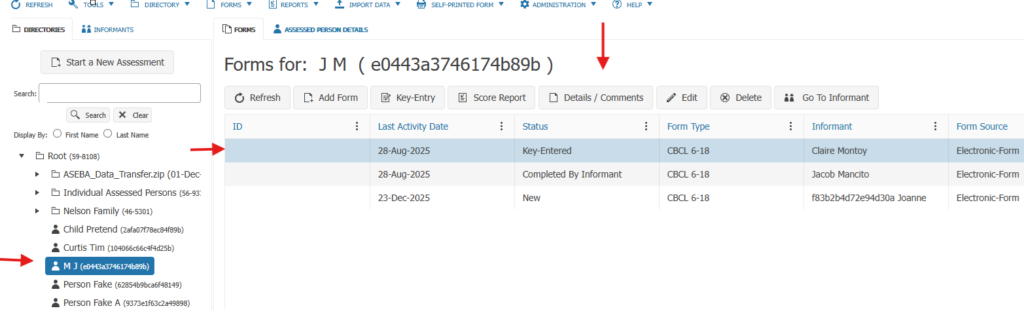
To view the open-ended responses to questions on a completed form, click on the assessed person, then click on the form in question, select DETAILS/COMMENTS tab.
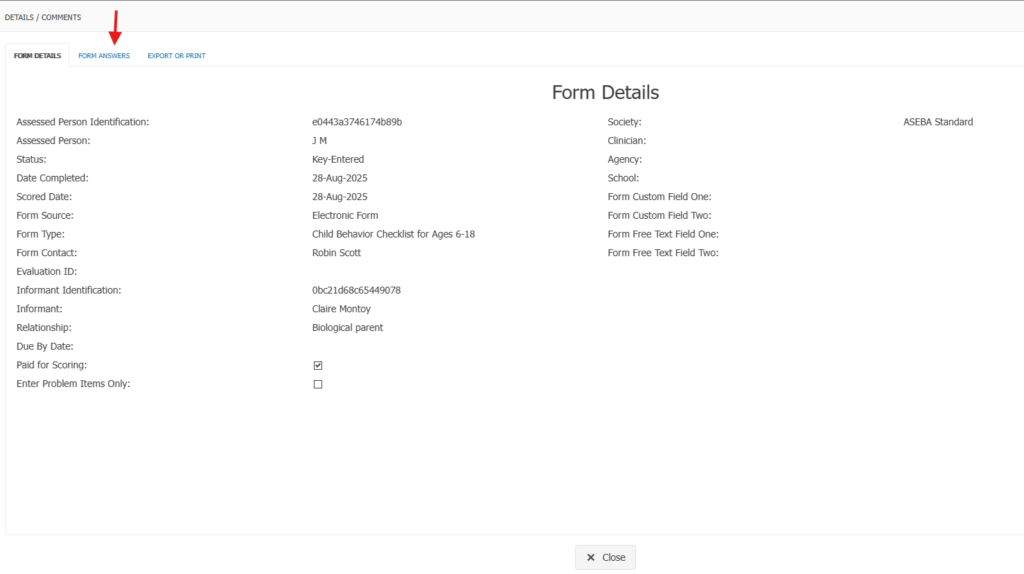
Click on FORM ANSWERS tab to see the answers and comments.
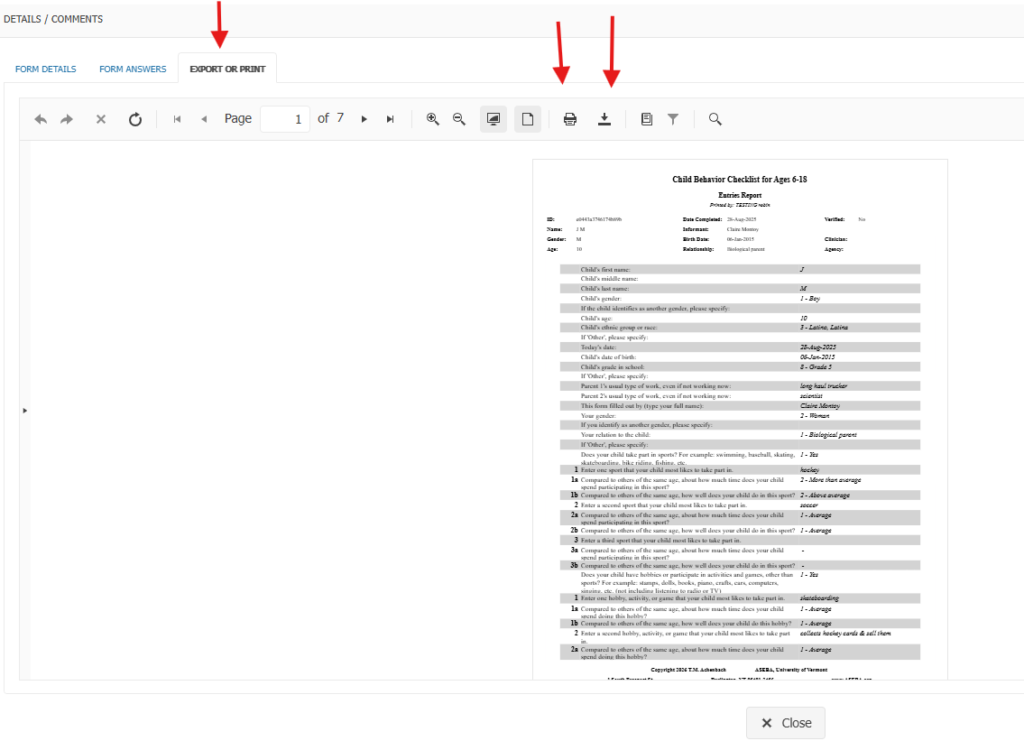
To download and print the responses, click on the EXPORT/PRINT tab. Click on the print icon to print. To download the form, click on the download arrow.